Digital
Install it in a few minutes with the Hubby app.

Your trip includes a free eSIM from Hubby. You're online the moment you land, so you can find your way, message home and reach your tour operator. Setting it up at home takes just a few minutes.
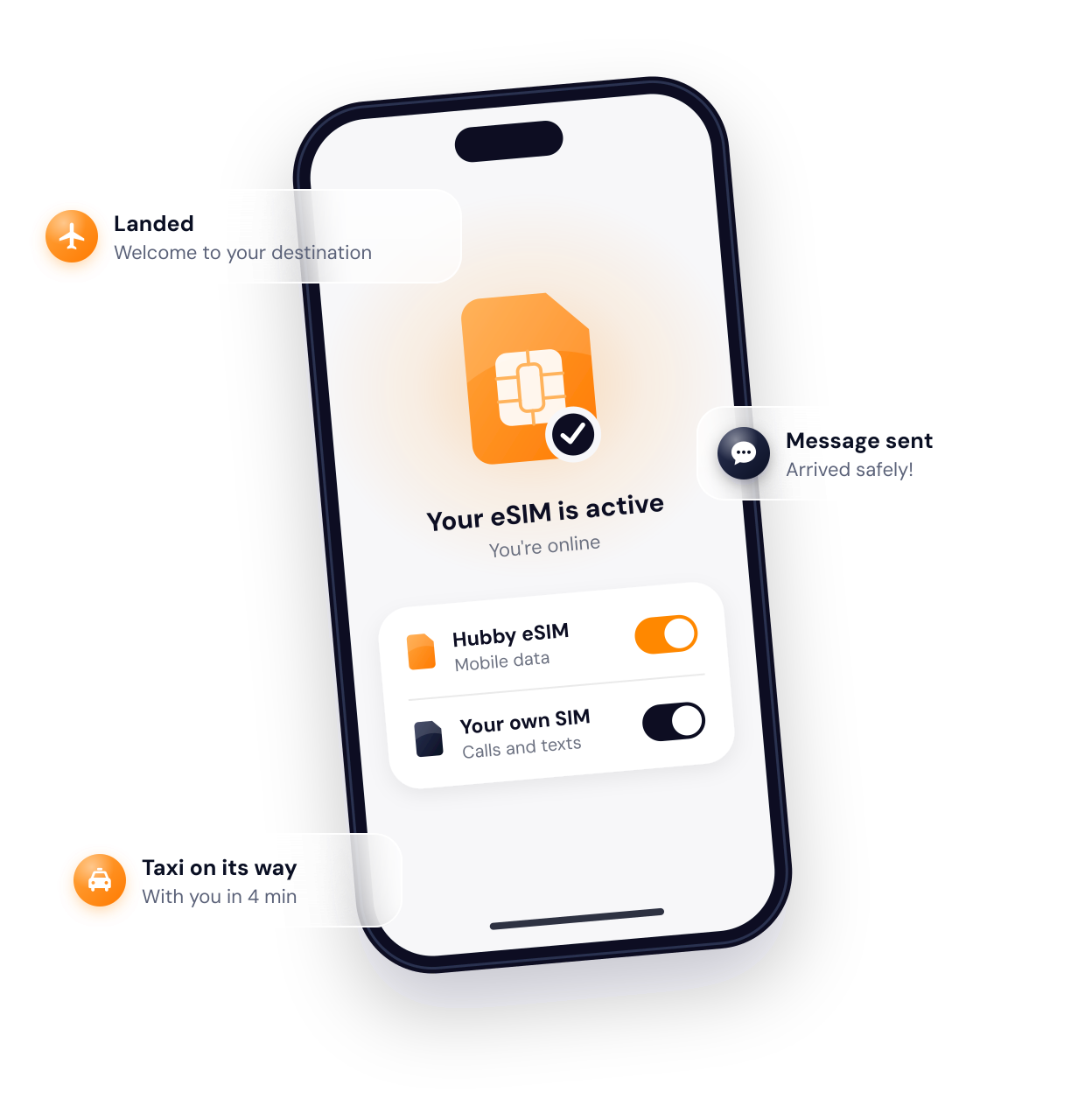
An eSIM is a digital SIM card that's already built into your phone. You install it through an app, so there's no SIM card to swap.
Install it in a few minutes with the Hubby app.
Your regular SIM stays active, so calls and texts to your number still reach you.
The eSIM gives you mobile data at your destination.
Find your hotel or book a taxi the moment you arrive.
Use your eSIM's data instead of expensive roaming.
Message and video call friends and family back home.
After your 2 free days, you can easily add more data in the app.
Online in 4 steps. Do steps 1 to 3 at home and step 4 at your destination.
Open the app and enter the code from your email.
Follow the steps in the app. It only takes a few minutes. Prefer to watch? See the video.
Landed? Switch on your eSIM and follow the short guide in the app. Your 2 free days only start when you switch it on at your destination.
Tip: install your eSIM at home now. Then all you need to do when you land is switch it on.
Our support team is here for you 24/7.